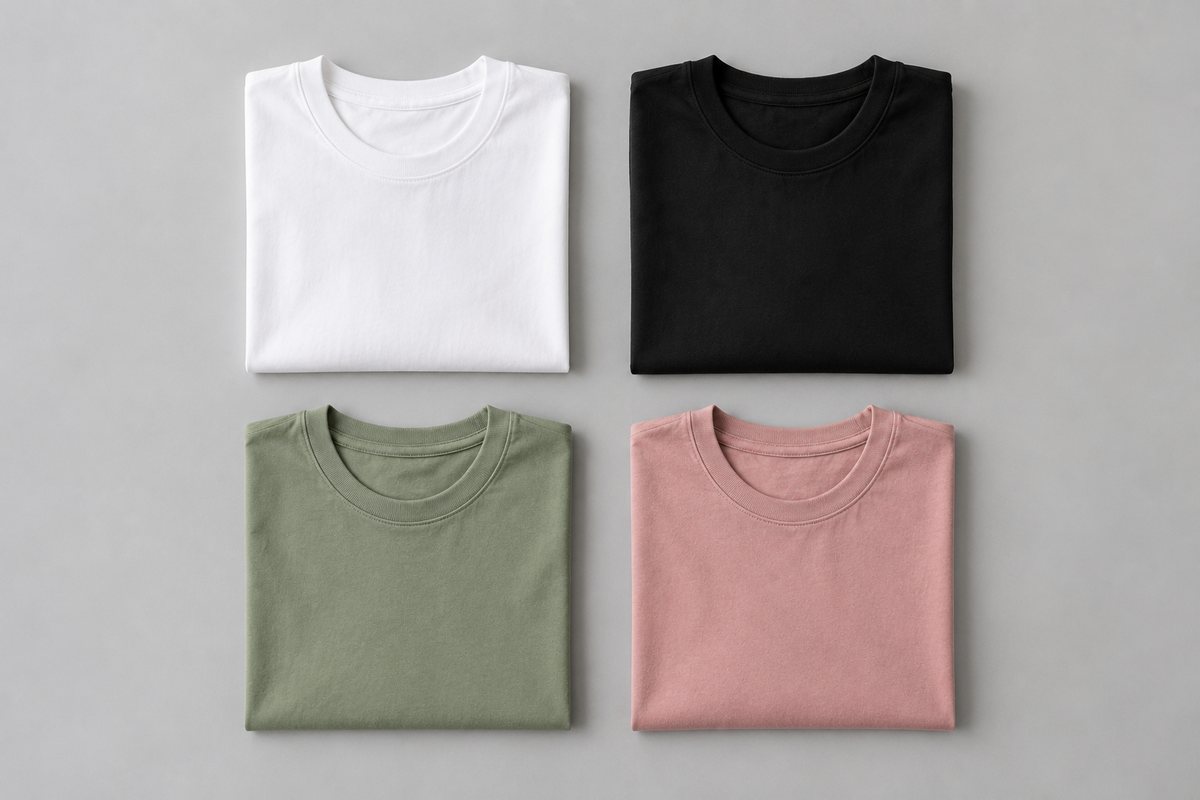
The eight strongest Placeit alternatives in 2026 are CatalogX, Mockey, Smartmockups, Canva, Printful's mockup generator, Creatsy, Vexels and Photoroom. The important split is not price — it is that template tools like Placeit print your design onto a stock photo of a model, while AI tools render your actual garment on a model. If you sell print-on-demand graphics, you want the first. If you sell physical clothing you photographed yourself, you want the second.
The distinction that decides which tool you need
Nearly every "best mockup generator" list treats these tools as interchangeable. They are not, and picking the wrong category wastes both money and a week.
Template mockup tools — Placeit, Smartmockups, Creatsy, Vexels — work from a library of pre-shot photographs. A real photographer once shot a real model wearing a blank t-shirt. The tool warps your uploaded artwork onto that blank shirt, following its folds. The model, the shirt, the pose and the background are fixed; only the print changes.
AI mockup tools — CatalogX, Photoroom's virtual model, Botika — work from a photo of your garment. You upload the actual kurti or dress or jacket you are selling, and the model is generated around it. The garment is yours; the person wearing it is not real.
What Placeit does well, and where it stops
Placeit is a large web-based template library covering apparel mockups, logos, videos and design templates. For putting a design onto a ready-made photo quickly, with no Photoshop, it does the job well.
The complaints sellers raise about it are consistent, and they are about the output rather than the tool. The same three come up again and again:
- Everyone uses the same templates. Buyers who shop a category see the same six models in the same six poses across a dozen stores.
- No bulk mode worth the name. Applying one design across forty mockups is forty manual operations.
- It cannot show your actual product. This is the hard limit, and no amount of template choice fixes it.
The eight alternatives compared
| Tool | Type | Bulk | Shows your real garment? |
|---|---|---|---|
| CatalogX | AI | Yes — projects, SKU filenames, manifest.csv in every ZIP | Yes |
| Mockey | Template | Limited | No |
| Smartmockups | Template | Limited | No |
| Canva | Template | Bulk Create via CSV | No |
| Printful | Template | Yes, tied to their catalog | No |
| Creatsy | Template (PSD) | Via Photoshop actions | No |
| Vexels | Template + assets | Limited | No |
| Photoroom | AI | Yes, on the batch plan | Partial |
Seven of the eight are template tools. That is not an accident of this list — it reflects the market. Template mockups have existed for a decade and the category is mature. AI mockups that render your own garment are newer, and there are far fewer of them.
Which is best for bulk t-shirt mockups?
"Bulk" means two different jobs and the tools split along that line.
One design across many mockups. You have a slogan and you want it on twelve shirt colours and six model shots. This is Canva's Bulk Create with a CSV, or Creatsy's Photoshop actions if you are comfortable in Photoshop. Placeit will do it but one click at a time.
Many garments, one treatment each. You have 200 physical SKUs and each needs its own on-model shot. No template tool can do this, because each SKU is a different garment. This needs an AI tool with a real batch pipeline — file naming that survives the round trip, so that what comes back can be matched to what went in.
CatalogX handles the second case through projects and SKU-named exports: renders are grouped into named buckets, filenames carry the SKU, and every ZIP ships with a manifest.csv mapping output files to source SKUs. That mapping is the part sellers underestimate — 200 images named generation_4471.jpg are worse than useless.
What to check before a mockup goes on a listing
Whichever tool you pick, three checks catch most of the mockups that get rejected or quietly underperform:
- Resolution. Many template exports, especially on entry tiers, come out below what marketplaces want for a main image. Check the pixel size before you build a catalogue on it.
- Sameness. Popular templates show up across dozens of stores in the same category. If a buyer has seen your model and pose on a competitor's listing, the image is working against you.
- Accuracy. A mockup has to show what ships. For print-on-demand that means the print placement and colour; for a physical garment it means the garment itself — which only a tool that renders your own photo can show. Printful is the exception on the template side: its mockups match the blanks it actually prints on, because it is a storefront for its own printing service.
For AI mockups of your own garment, CatalogX gives 5 credits with no card, which is enough to test whether the output holds up on your specific fabric — colour, print and drape — before you commit a catalogue to it.
Frequently asked questions
It depends which problem you have. For print-on-demand designs, Mockey and Canva are the closest like-for-like replacements, and Canva's Bulk Create handles one design across many mockups. For sellers photographing physical garments, template tools cannot help at all and an AI tool such as CatalogX or Photoroom is the only category that applies.
Putting a design onto a ready-made photo quickly: Placeit is a web-based library of apparel mockup, logo and video templates, and it needs no Photoshop. It suits print-on-demand sellers whose product is the design. It cannot show a physical garment you photographed yourself.
Template-based generators cannot — they print your artwork onto a pre-shot photo of a blank garment, so the garment shown is theirs, not yours. AI generators can, because they build the image around a photo of your real garment that you upload.
Creatsy sells individual layered PSD mockup templates you own outright and edit in Photoshop, where Placeit is a web tool. Creatsy gives more control; Placeit is faster and needs no Photoshop. Neither can show a garment you photographed yourself.
Not for being AI-generated. Amazon, Flipkart, Myntra and Meesho all accept AI imagery that meets their normal image standards. Amazon does require an AI-disclosure metadata keyword on generated images, and some US states now have synthetic-performer rules — CatalogX writes the required metadata into every exported file automatically.
Most Indian marketplaces want at least 1200x1200 for Meesho and Flipkart-style square listings and 1200x1600 for 3:4. Amazon wants the longest side at 1600px minimum for zoom to enable. Free mockup tiers often cap below these, which is the most common reason a free mockup gets rejected.